
A guide for families
How to add reminders to your parent’s phone (even from miles away)
Five ways to put reminders and appointments on an older parent’s phone from your own.
Last reviewed July 2026
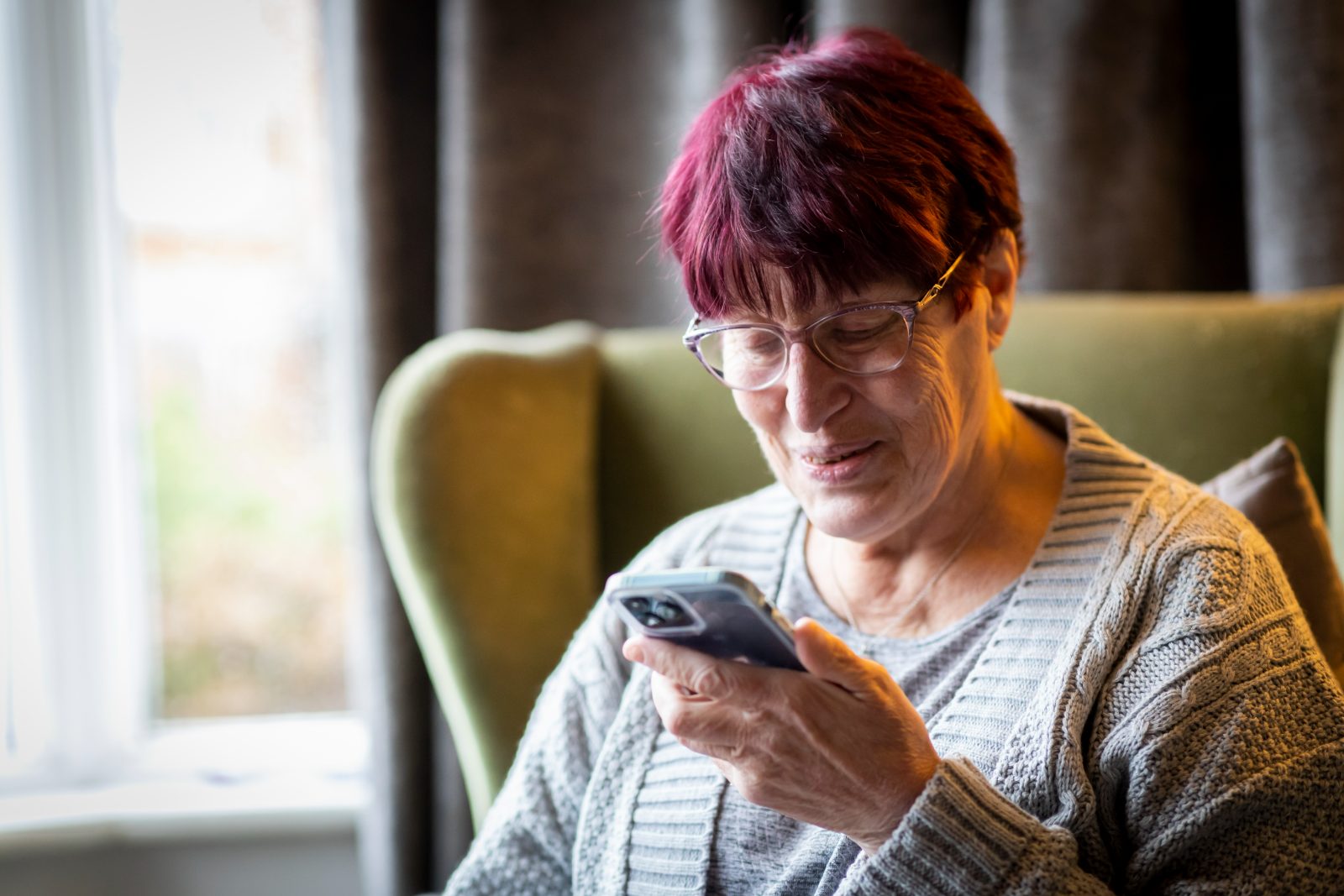
If you’ve ever rung your mum the night before a hospital appointment “just to make sure”, you already know the problem this article solves. You have become the reminder system. It works, mostly, but it depends on you remembering to remind, and it slowly turns every phone call into a checklist. Did you take your tablets? Is the boiler man coming Tuesday or Wednesday? You said you’d order your prescription.
What you actually want is simple: a nudge that appears on their phone at the right moment, that you can set up from yours, without driving over. Here are the ways to do it, honestly compared, including the free and fiddly ones. The last option is our own app, and we’ll be upfront about that when we get there.
Set the reminders on their phone yourself
The zero-cost option. Next time you visit, open the built-in Reminders app (iPhone) or Google Clock and Calendar (Android) on their phone and set up the recurring basics: tablets with breakfast, bins on Tuesday night, the standing hair appointment.
One tip if you go this route: anchor reminders to events rather than clock times where you can. “Tablets with breakfast” survives a lie-in. “Tablets at 7:30am” fires while they’re still asleep and gets swiped away.
A shared calendar
Google Calendar and Apple’s iCloud calendar both let you share a calendar between two people. You add “Dr Patel, Tuesday 10:30” from your phone and it appears on theirs, with a notification beforehand.
A shared Reminders list (if you’re both on iPhone)
Apple’s Reminders app lets you share a list through iCloud. Anything you add to the shared list, with a date and time, pops up on their phone as a proper notification.
An Amazon Echo in their kitchen
If your parent has (or would be happy with) an Echo speaker, this is genuinely one of the better free-ish options. Through the Alexa app on your phone, you can set reminders that Alexa speaks out loud in their home: “Reminder: Dr Patel tomorrow at half ten.”
Our own app · Full disclosure
The way we built it: Dear Enid’s Family Care
The purpose built solution.
Full disclosure: Dear Enid is our app, so read this section knowing that. We built it because none of the options above quite worked for our own families.
Dear Enid is a friendly companion app for older adults, free to use. She keeps track of reminders and appointments in one simple place, and there’s more besides: she can explain and read letters aloud, keep an eye kept out for scams, plays daily games and quizzes, and she always loves a chat.
Family Care is the optional add-on that lets you help from your own phone. Setting it up takes a few minutes:
- Get Enid onto their phone. She’s free, and she runs in the browser or as an app on any phone, tablet or computer. There are no passwords to remember, which for this job is half the battle.
- Add Family Care to your account. It’s £4.99 a month and works with any plan, including the free one.
- Connect the two. Enid walks you both through linking up, and your parent approves it on their side. They decide what’s shared, and anything can be switched off. This matters to us: Family Care is help, not surveillance.
- Add things from your phone. “Dr Patel, Tuesday 10:30.” “Tablets with breakfast.” “Tom’s birthday on Friday, give him a ring.” Each one lands on their daily page, and a clear, gentle nudge appears on their phone at the right time.
See how it works
James adds it from his phone, and it arrives on Sue’s.
James’s phone
Sue’s phone
Here’s the detail that changes the dynamic, and honestly the reason we think this beats the options above: the reminder comes from Enid, not from you.
“Your mum gets a friendly prompt from her companion, not a text from her daughter checking up on her.”
She keeps her independence. You get to be the person who visits and chats, rather than the person who nags. Several of our early testers told us this was the thing they hadn’t expected to matter, and it turned out to matter most.
Three smaller things Family Care includes, since you’ll see them when you set it up: you can choose to get a quiet heads-up if Enid hasn’t been opened for longer than you’d expect (just enough to think “I’ll give Mum a ring”), if Enid spots what looks like a scam aimed at them, you can be told too and a daily check in from Enid. All are optional and can be turned off.
Which should you actually pick?
An honest routing, because different families genuinely suit different tools. If you’re both on iPhone, comfortable with iCloud, and the need is light, a shared Reminders list may be all you need, and it’s free. If there’s already an Echo in the kitchen and your parent likes it, Alexa reminders are decent. If you want something that’s simple for them, remote for you, works by voice, isn’t tied to one brand of phone, and puts the whole day in one large-print place, that’s the exact job we built Enid for. She’s free to try, and Family Care can be added whenever you’re ready.
Quick answers
Can I add reminders to my parent’s phone without touching it?
Yes. A shared calendar, a shared Apple Reminders list, Alexa (via an Echo), and Dear Enid’s Family Care all let you set reminders from your own phone that appear on theirs. The differences are in how much setup they need and how clearly the reminder arrives.
Does my parent need a smartphone?
For most options, yes, or a tablet. Dear Enid also works in an ordinary web browser on a computer or tablet, so a smartphone isn’t essential. Alexa needs an Echo speaker rather than a phone at all.
What about medication reminders?
Recurring reminders handle the routine well (“tablets with breakfast” every day). If medication is complex or safety-critical, talk to their GP or pharmacist about proper support too. A reminder is a helpful nudge, not a medical device.
Will my parent know the reminders come from me?
With Enid, reminders arrive from Enid herself, which is rather the point. But nothing is hidden: your parent approves the connection, sees what’s shared, and can switch any of it off. It works best when you set it up together over a cup of tea.
Dear Enid is a friendly companion for older adults: reminders, letters explained in plain English, a daily puzzle, and a second pair of eyes on anything that looks like a scam.
Free to try in any browser · Family Care £4.99/month · Cancel anytime
Related guides
This article is general information, not personal advice. Apps, prices and phone settings change over time, so it’s worth double-checking anything that matters. Dear Enid is an AI companion, always honest about being AI, and doesn’t replace your bank, your doctor or the emergency services. Last reviewed July 2026.